Lander
A downloadable game for Windows and macOS
This is an unofficial cross-platform port of Mark Moxon's commented Lander disassembly.
Lander was written by David Braben and is copyright © D.J.Braben 1987.
Manual
The game is played as follows:
- Launch the shuttle off the pad by clicking the left mouse button.
- Manoeuvre the shuttle by turning the mouse slightly to the left or right, towards you or away from you.
- Keep the shuttle moving by turning the mouse to tilt it and clicking the left mouse button to emit a jet stream which sends it travelling over the landscape.
- Make the shuttle hover by clicking the middle mouse button.
- Destroy objects by shooting at them with bullets fired from the shuttle. Trigger the bullets by clicking the right mouse button.
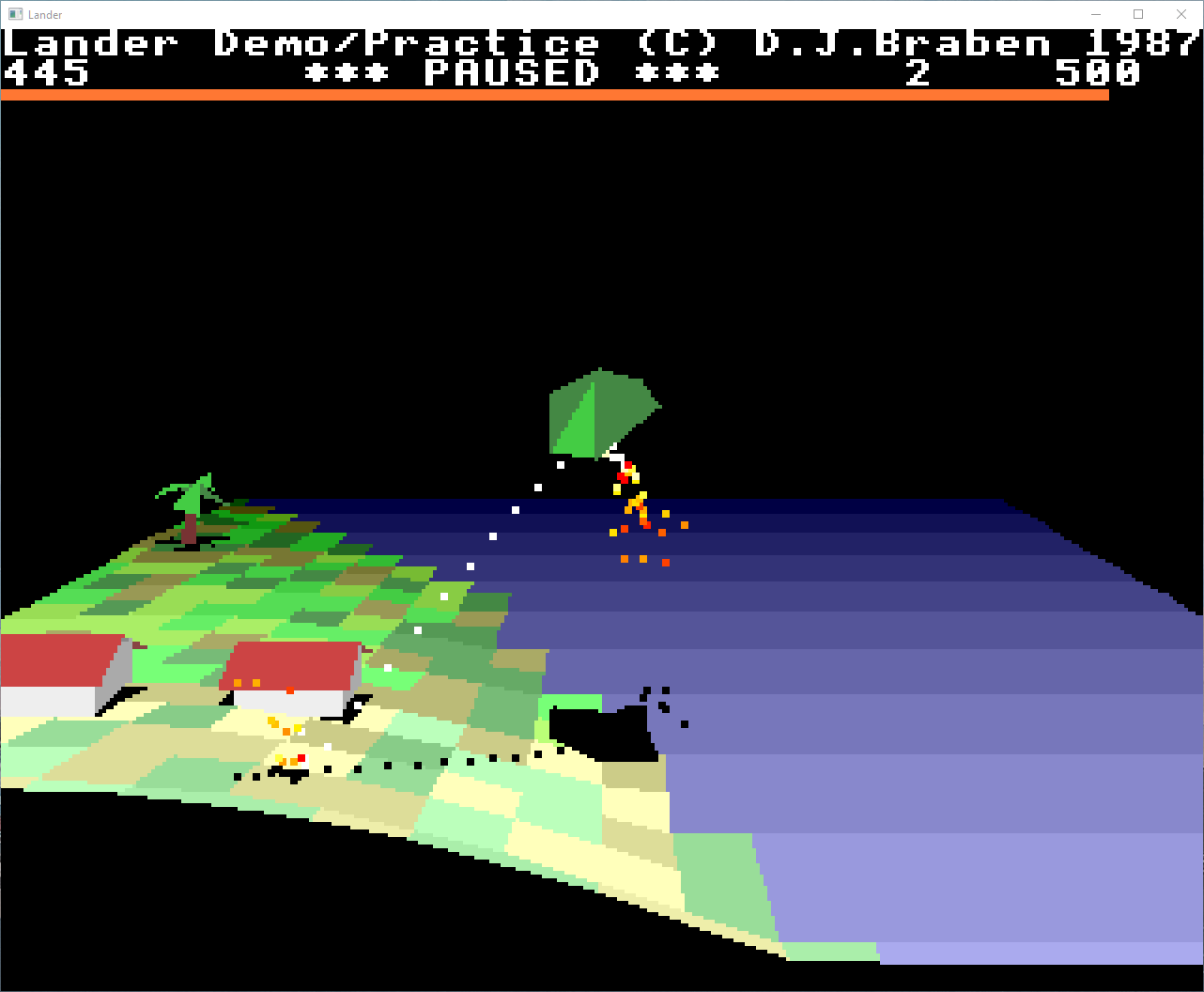
- Refuel the shuttle by finding your way back to the launching pad and landing for refuelling. The fuel gauge is the red line at the top of the screen.
You begin the game with 500 points, and gain 20 points for every object you destroy. You lose one point for every bullet fired that does not strike a target.
You are allowed three chances to fly the shuttle. If you crash, you are returned to the launching pad. The game ends after the third crash.
When you reach 800 points, rocks begin to fall. You must dodge them as you continue to fly the shuttle.
Features
- Full 3D landscape with Fourier-synthesized terrain
- Physics-based ship controls with thrust, gravity, and friction
- Destructible objects (trees, buildings, rockets)
- Particle effects (exhaust, bullets, explosions, smoke, splashes)
- Falling rocks hazard (score >= 800)
- Star particles at high altitude
- Sound effects with spatial audio
- Smooth edge clipping (Sutherland-Hodgman)
- Multiple display resolutions and frame rates
- Persistent settings
Controls
Flight Controls
- Mouse movement - Ship orientation (pitch and yaw)
- Left mouse button - Full thrust
- Middle mouse button - Hover thrust
- Right mouse button - Fire bullets
Keyboard
- Escape - Exit game
- P - Pause / Unpause
- Tab - Toggle debug overlay
- F11 or Alt+Enter - Toggle fullscreen
- D - Toggle debug mode (keyboard flight)
Debug Mode (D)
When debug mode is enabled, use arrow keys to fly:
- Arrow keys - Move horizontally
- A/Z - Move vertically
Settings (Keys 1-6)
- 1 - Landscape scale: 1x (12x10), 2x (24x20), 4x (48x40), 8x (96x80)
- 2 - Frame rate | 15, 30, 60, 120 FPS
- 3 - Display resolution | 320x256, 640x512, 1280x1024
- 4 - Smooth edge clipping | On / Off
- 5 - Sound effects | On / Off
- 6 - Star particles | On / Off
Settings are automatically saved to `settings.cfg`.
Gameplay
- Take off from the launchpad and explore the landscape
- Shoot objects (trees, buildings, rockets) to score points
- Land gently on the launchpad to refuel
- Avoid crashing into terrain or objects
- At score >= 800, falling rocks begin to appear
- Fuel is limited - manage your thrust carefully
- Game over when all lives are lost
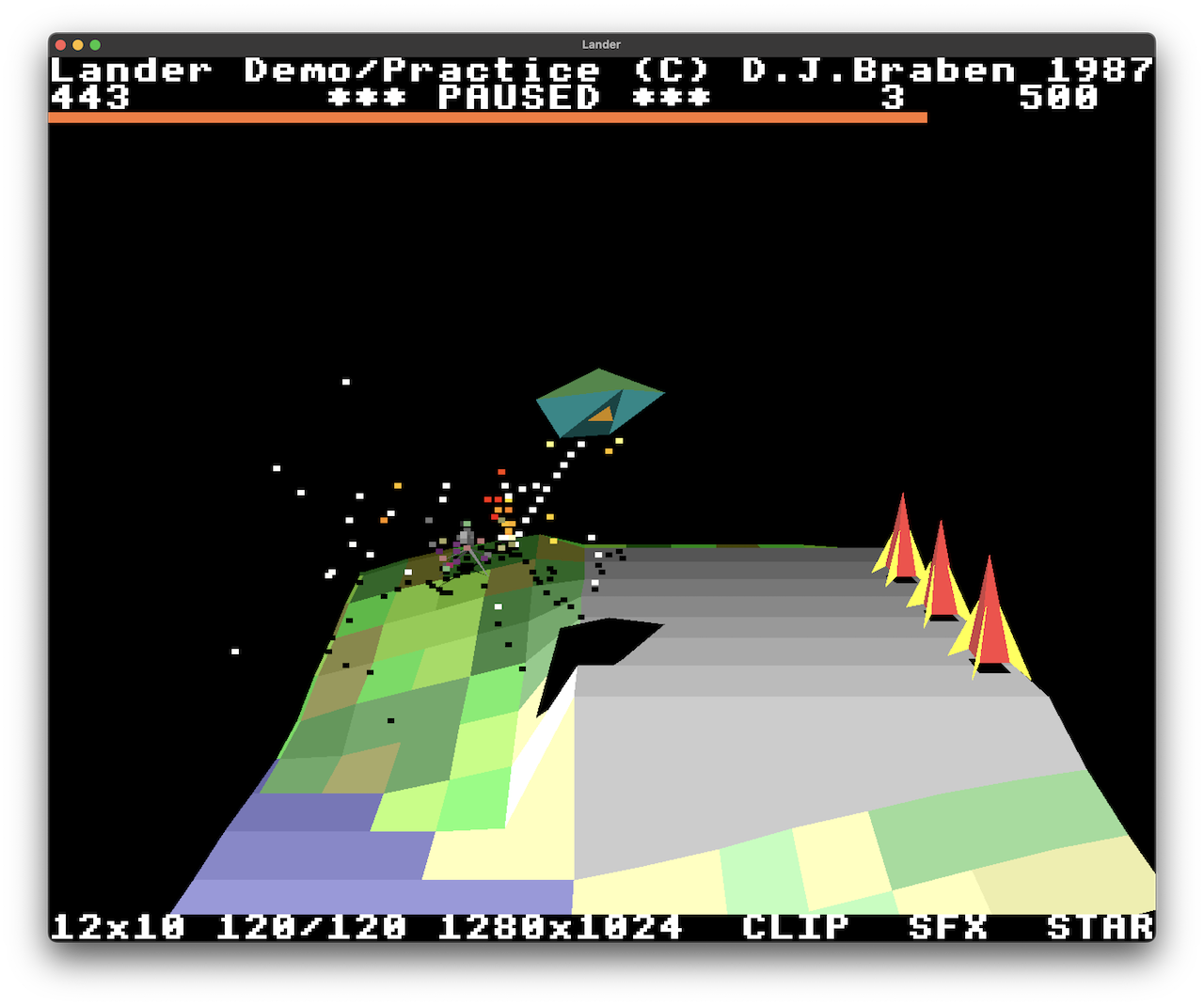
Debug Overlay (Tab)
Shows current settings across the bottom of the screen:
12x10 60/58 1280x1024 CLIP SFX STAR
- Landscape tiles
- Target FPS / Actual FPS
- Display resolution
- Clipping (CLIP = on, clip = off)
- Sound (SFX = on, sfx = off)
- Stars (STAR = on, star = off
License
This is an educational port of the original Lander demo. The original game is copyright David Braben / Frontier Developments.
Download
Install instructions
Lander is best enjoyed via the Itch App.
Leave a comment
Log in with itch.io to leave a comment.